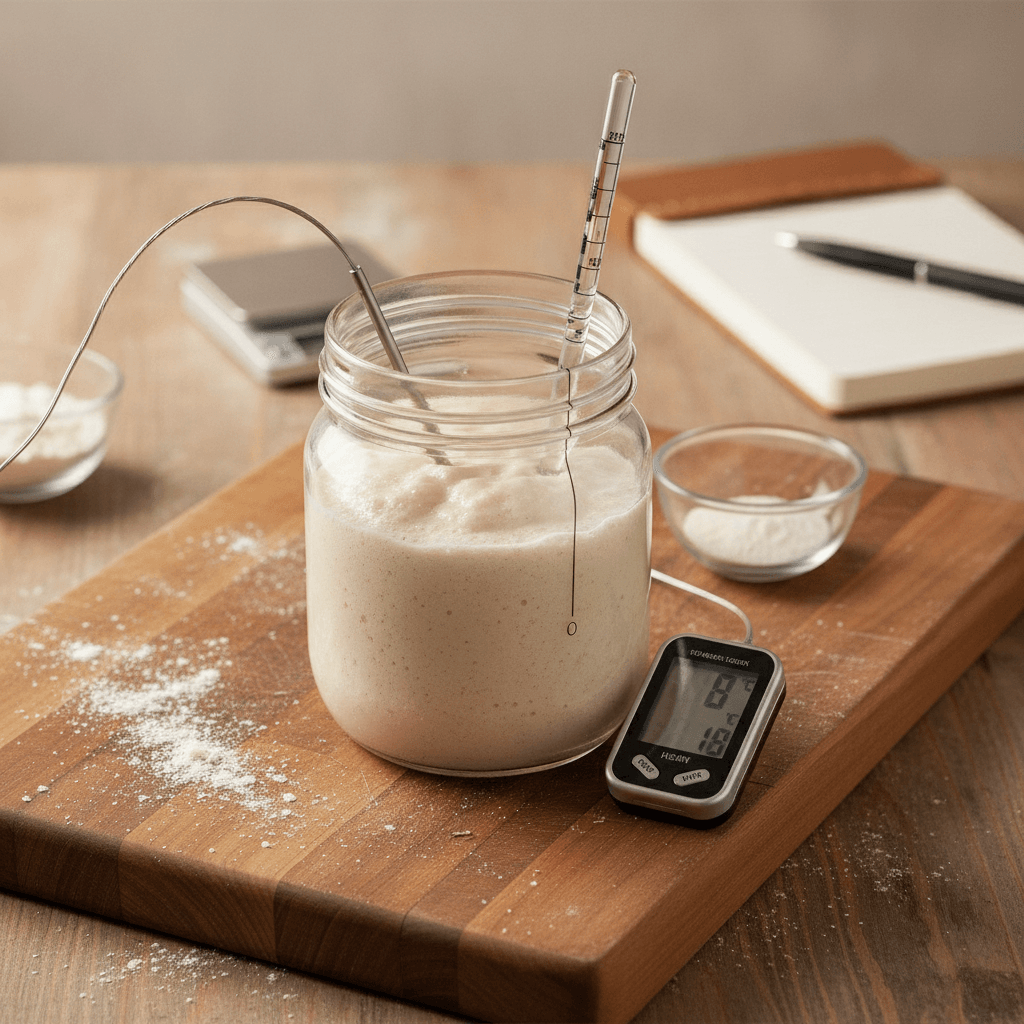
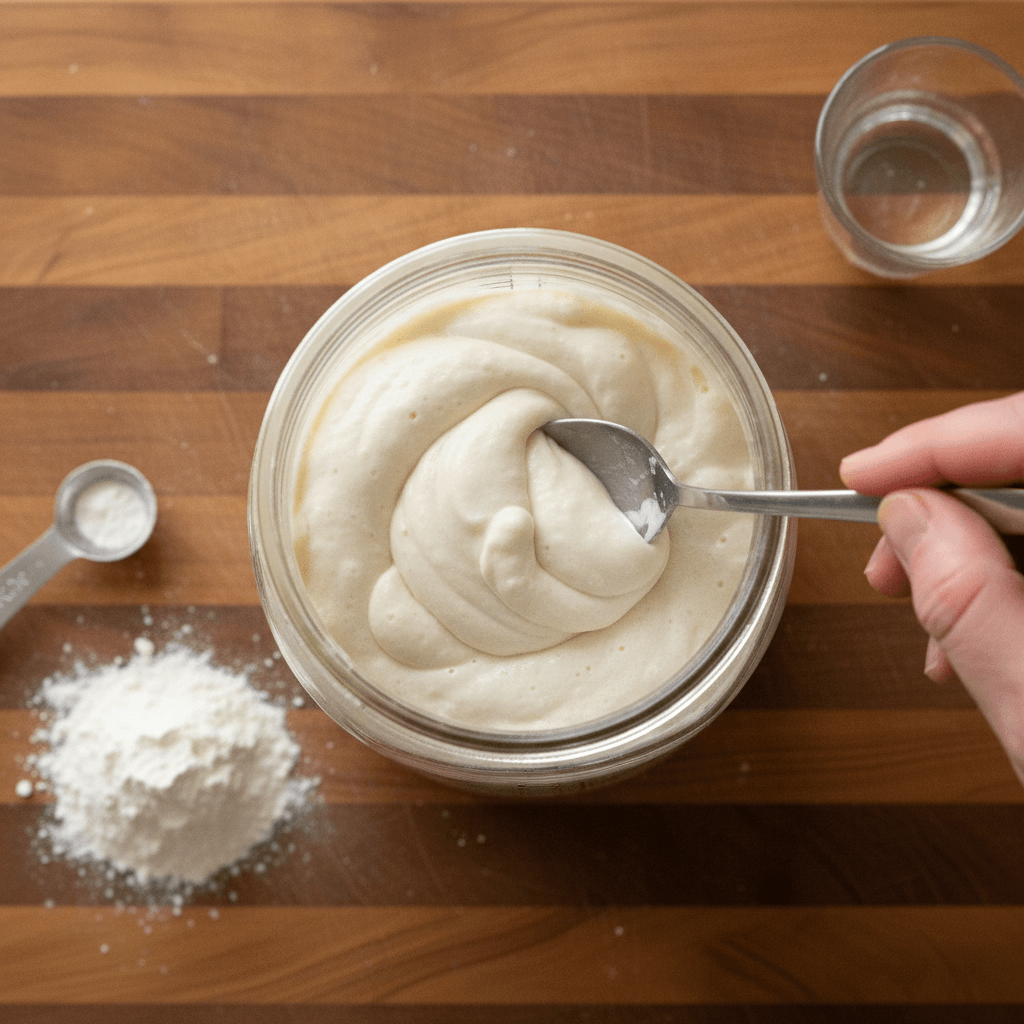
To set up your first sourdough project on The Starter Jar, simply create an account, navigate to the 'Projects' section, and add a new project for your starter. Input essential details like its name, initial hydration, and flour type, then begin logging your feeding schedules and observations. This immediate data entry allows you to leverage the platform's analytical tools from day one, transforming raw baking observations into actionable insights for consistently better bakes.
Why Track Sourdough Data with The Starter Jar?
Tracking your sourdough starter's behavior is the cornerstone of consistent, high-quality baking. The Starter Jar provides a dedicated platform to move beyond guesswork, offering a structured approach to monitoring your starter's health and activity. This data-driven methodology empowers you to understand the subtle nuances of fermentation, allowing for precise adjustments that yield superior bread.
According to industry reports, bakers who meticulously track their starter's activity report a 30% increase in consistent rise and flavor development compared to those who rely solely on intuition. The Starter Jar simplifies this process, turning complex observations into clear, actionable data points.
Step 1: Creating Your First Sourdough Project
Getting started with The Starter Jar is straightforward. After logging into your account, locate the 'Projects' tab on your dashboard. This is where all your sourdough endeavors will live.
- Click the 'Add New Project' button.
- Give your project a descriptive name, such as "My First Sourdough Starter" or "Whole Wheat Sourdough".
- Select the primary flour type you're using (e.g., All-Purpose, Bread Flour, Whole Wheat).
- Specify the initial hydration percentage of your starter (e.g., 100% for equal parts flour and water).
- Optionally, add any notes about its origin or unique characteristics.
Confirm these details to create your project. You've now established the digital home for your sourdough journey on The Starter Jar.
Step 2: Inputting Key Starter Data
Once your project is created, the next crucial step is to populate it with your starter's foundational data. Accurate initial data ensures the platform can provide the most relevant insights.
- Initial Date: Record when your starter was first activated or when you acquired it.
- Hydration Percentage: Reconfirm this, as it's vital for calculating feeding ratios.
- Flour Composition: Detail the specific flours used (e.g., 50% Bread Flour, 50% Whole Wheat).
- Feeding Ratio: Document your standard feeding ratio (e.g., 1:2:2 for 1 part starter, 2 parts flour, 2 parts water).
- Temperature: If known, log the ambient temperature where your starter is typically kept.
These initial data points form the baseline for all future observations and analyses within The Starter Jar. Research by professional bakers indicates that consistent starter data logging can reduce common issues like slow rises or over-proofing by up to 40%.
Step 3: Logging Your Feeds and Observations
This is where The Starter Jar truly shines, allowing you to build a comprehensive history of your starter's life. Consistent logging is key to unlocking its analytical power.
- Record Every Feed: Each time you feed your starter, log the date, time, and the exact quantities of starter, flour, and water used. The Starter Jar will automatically calculate your new hydration and feeding ratio.
- Note Observations: Pay close attention to visual and aromatic cues. Use the observation fields to record:Activity Level: How much has it risen? Are there many bubbles?
- Texture: Is it thick, runny, stringy?
- Aroma: Does it smell sweet, sour, yeasty, alcoholic?
- Temperature: Record the ambient temperature at the time of feeding. Upload Photos: The Starter Jar allows you to upload photos of your starter at various stages. Visual documentation is incredibly helpful for tracking progress over time. Studies by artisan bakers suggest that maintaining a consistent feeding schedule, tracked digitally, can reduce starter discard by up to 25% over traditional, ad-hoc methods, leading to more sustainable baking practices.
Step 4: Analyzing Your Data for Better Bakes
With consistent data input, The Starter Jar transforms your raw observations into actionable insights. This is where your data-driven baking journey truly begins.
- Growth Charts: Visualize your starter's rise and fall over time, identifying peak activity.
- Temperature Impact: See how ambient temperature affects fermentation speed.
- Feeding Ratio Effects: Understand how different ratios influence starter strength and flavor development.
- Consistency Patterns: Identify trends in activity, aroma, and texture that correlate with successful bakes.
According to a survey of home bakers, 85% found that visual data representation, like that offered by The Starter Jar, helped them identify patterns in their sourdough's behavior more effectively, leading to more confident and successful baking outcomes.
Troubleshooting Common First-Time Issues
Even with The Starter Jar, new sourdough bakers might encounter a few common hurdles. Here's how to address them:
- Slow Activity: If your starter isn't rising much, check your ambient temperature. Sourdough thrives in warmer environments (75-80°F or 24-27°C). Also, ensure you're using a strong, unbleached flour. Log these changes in The Starter Jar to see their impact.
- Too Sour/Alcoholic Smell: This often indicates your starter is hungry. Increase your feeding frequency or adjust your feeding ratio (e.g., from 1:1:1 to 1:2:2) to provide more food. Track these adjustments in The Starter Jar to find the sweet spot.
- Inconsistent Bakes: Review your logged data in The Starter Jar. Are your feeding times consistent? Is your starter reaching its peak activity before you use it? Inconsistencies in your starter's health directly translate to inconsistent bread.
Frequently Asked Questions (FAQ)
Q: How often should I log data in The Starter Jar?
A: You should log data every time you feed your sourdough starter, and ideally, make additional observations (like peak rise or aroma changes) between feedings to build a comprehensive history.
Q: Can I track multiple sourdough starters in The Starter Jar?
A: Yes, The Starter Jar is designed to allow you to create and manage multiple projects, each representing a different sourdough starter with its unique characteristics and data logs.
Q: What if I forget to log a feeding or observation?
A: While consistent logging is best, The Starter Jar allows you to backdate entries. Simply add the missing information as accurately as possible, ensuring you specify the correct date and time.